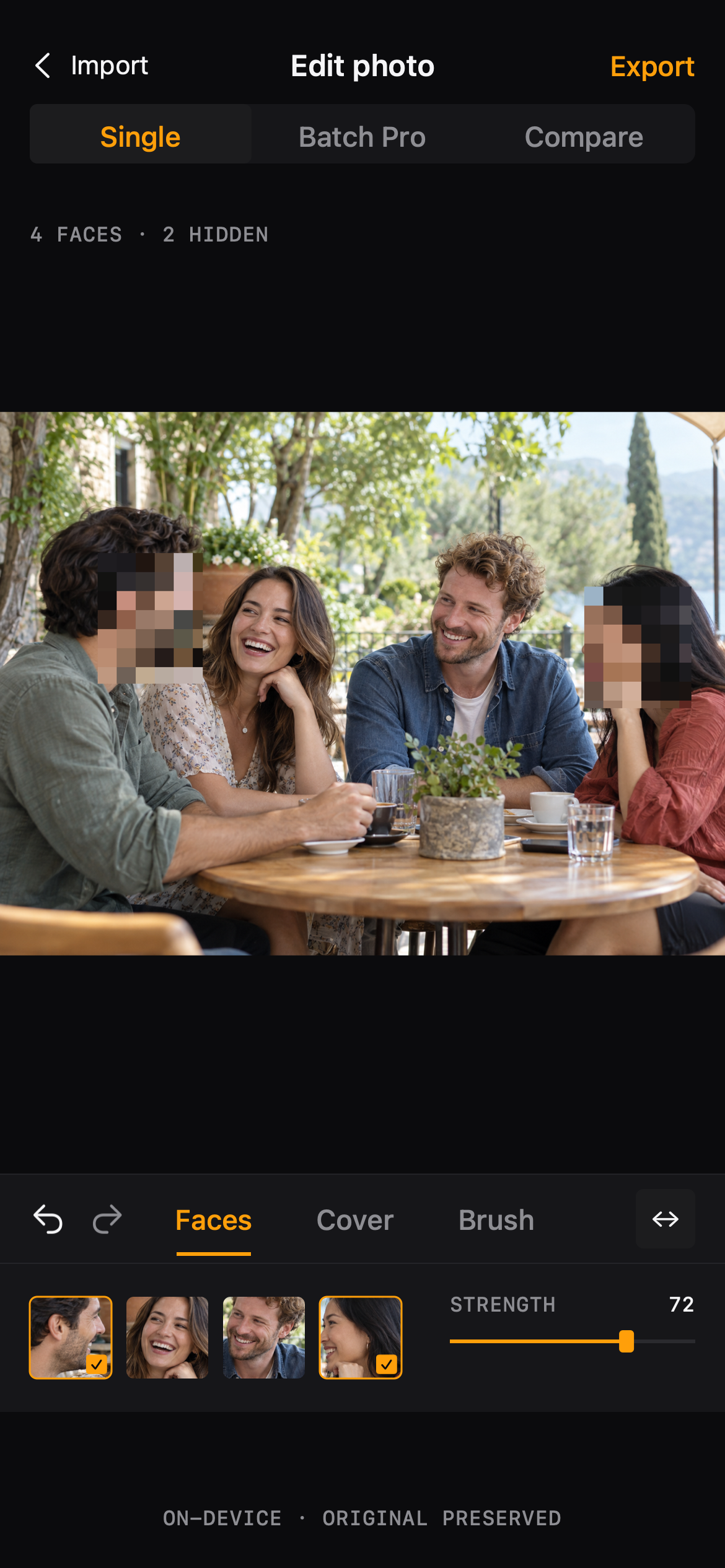
Faces — automatic detection
Detected faces appear as selectable cards under the photo. Tap to cover, tap again to unhide, and tune the strength slider while you look at the result.
Product overview
Blur Photo is one editor with three covering tools, a before/after compare and export controls that keep the original photo untouched.
The editor
Everything happens in a single darkroom-style editor. Pick faces, swap cover styles, paint by hand — then compare and export.
Detected faces appear as selectable cards under the photo. Tap to cover, tap again to unhide, and tune the strength slider while you look at the result.
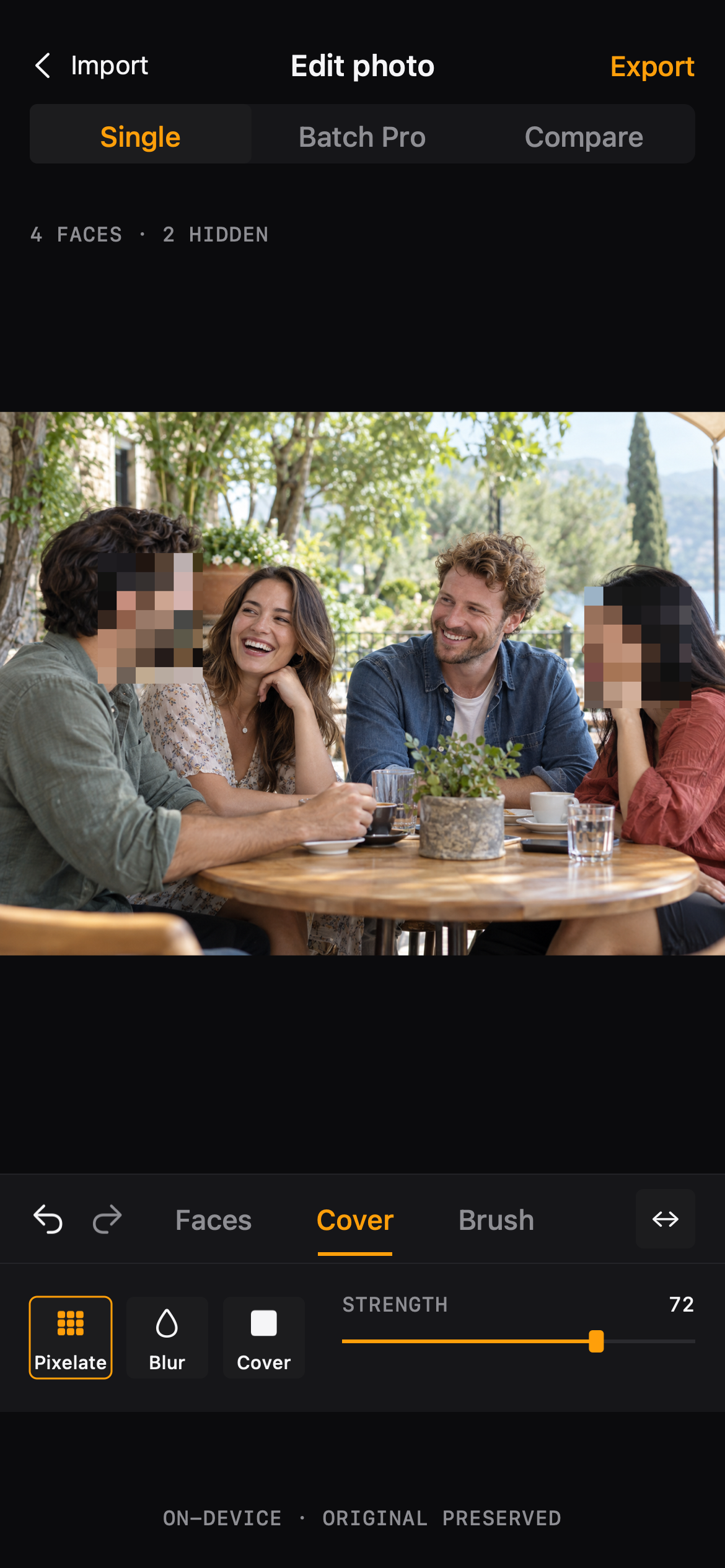
Cover styles handle the look — pixelate or mosaic — and the strength slider decides how far it goes. Pro users can save a preferred style as a preset.
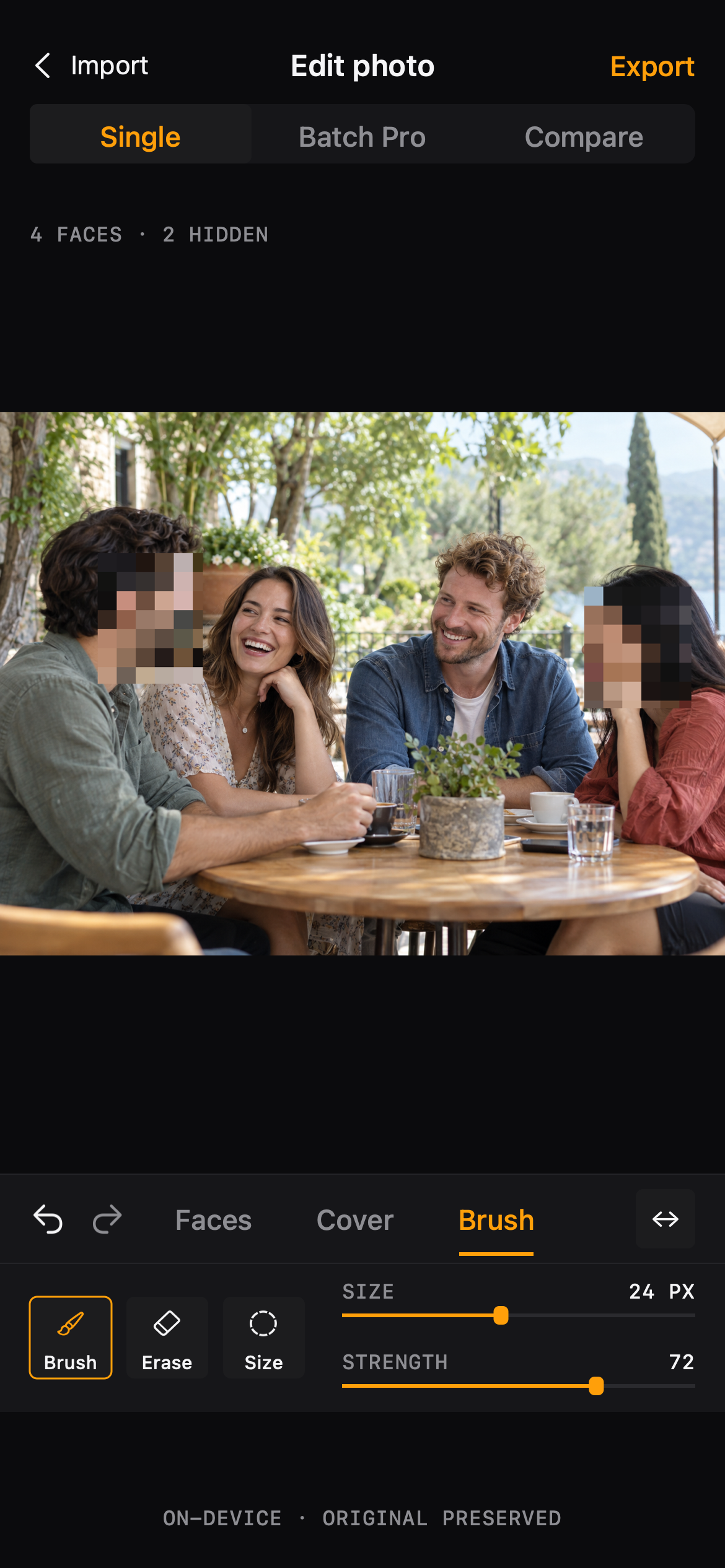
Paint over anything that isn't a face. The brush is also the fallback when detection finds nothing: 'No faces found. Use Brush to cover an area.'
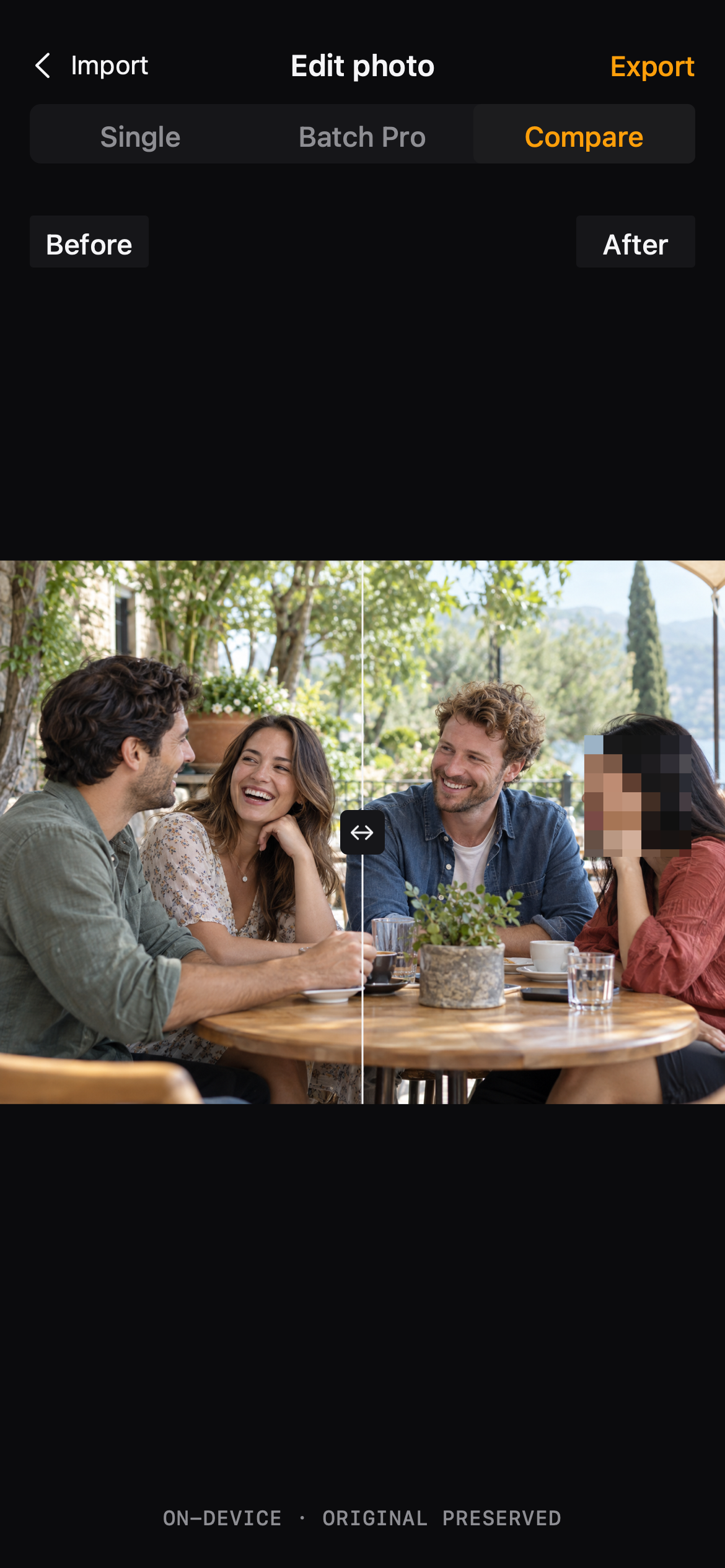
A slider between the original and the edited photo answers the only question that matters before sharing: what exactly did I hide?
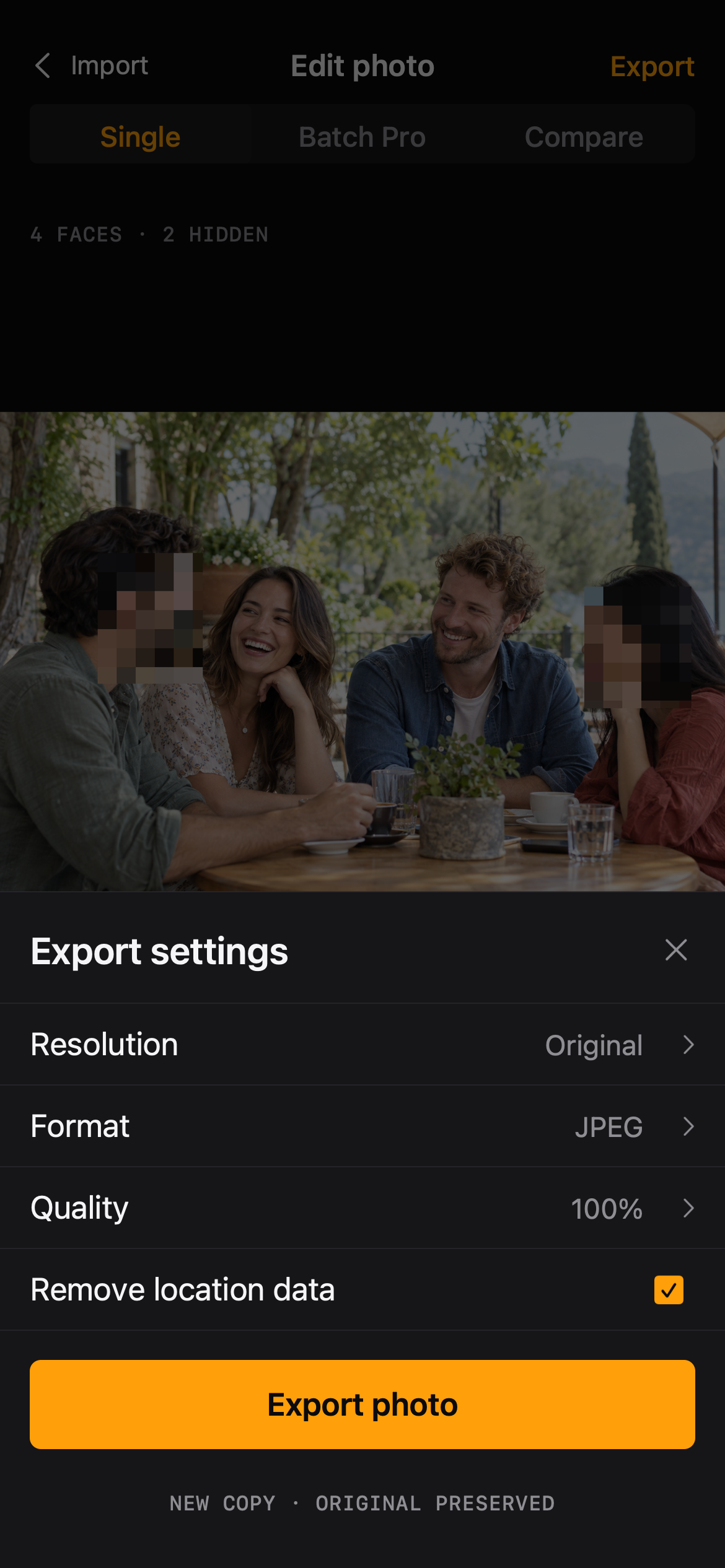
Choose resolution, JPEG or PNG, quality, and whether to strip location data. The export is saved as a new copy; the original is preserved.
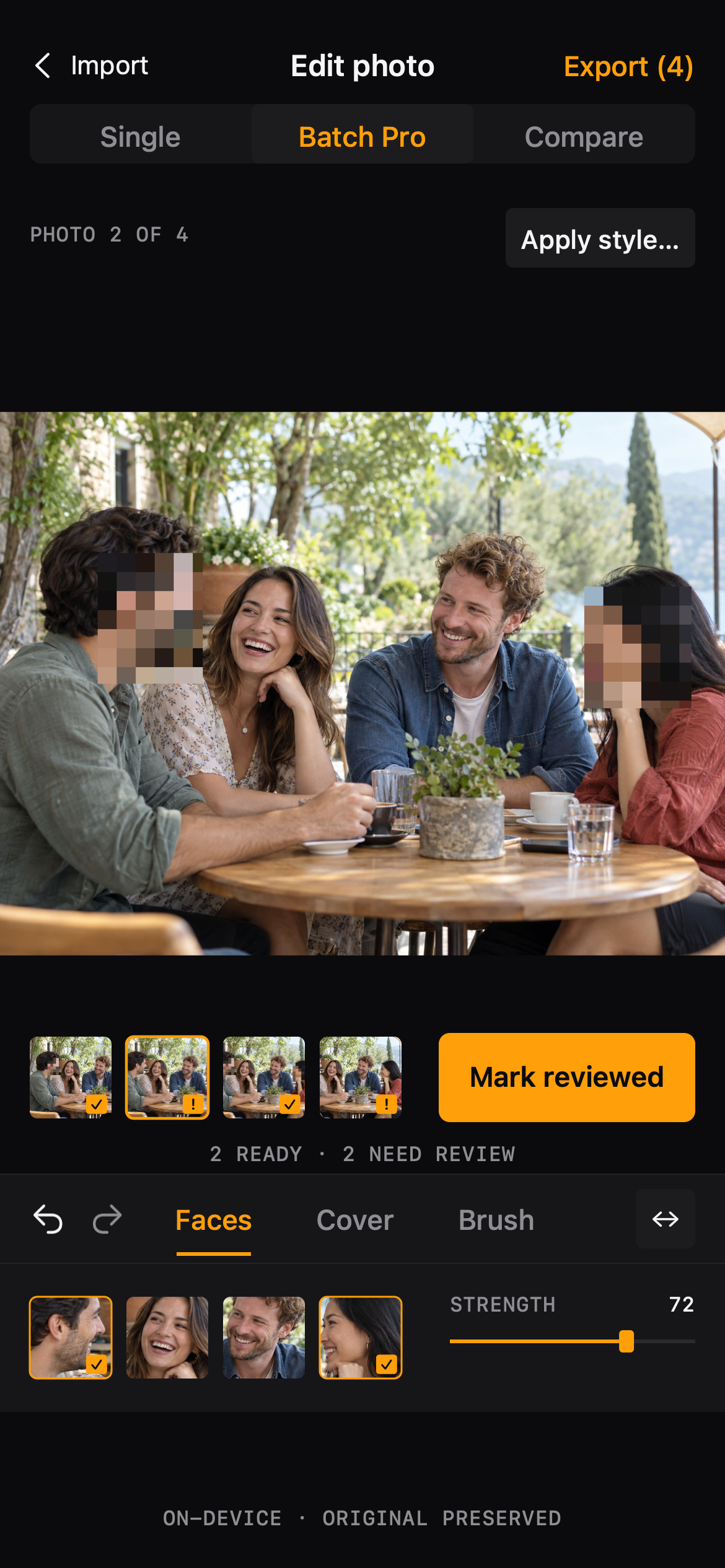
Select several photos, apply a style to the ones you pick, review each photo before export, and save the batch with a clear results list.
Processed on your iPhone
Detection and rendering happen on your iPhone. No account, no upload queue.
Exports are new copies. Your library keeps the photo exactly as you shot it.
Detection only suggests. Every cover is applied by you, and review is part of the flow.
Product overview
Single-photo editing is free. Open a photo, cover a face, export a copy.
Free for single-photo editing · iPhone